
Wondering how much data you’ll need for your trip?
Use our guide to estimate the ideal eSIM plan size for your needs.
1. How long is your trip?
2. What’s your data surfing style?

The Tide Watcher
Low data use
You're here for the sunset, not the signal. You're just checking messages, emails, Google Maps, and restaurant reviews.
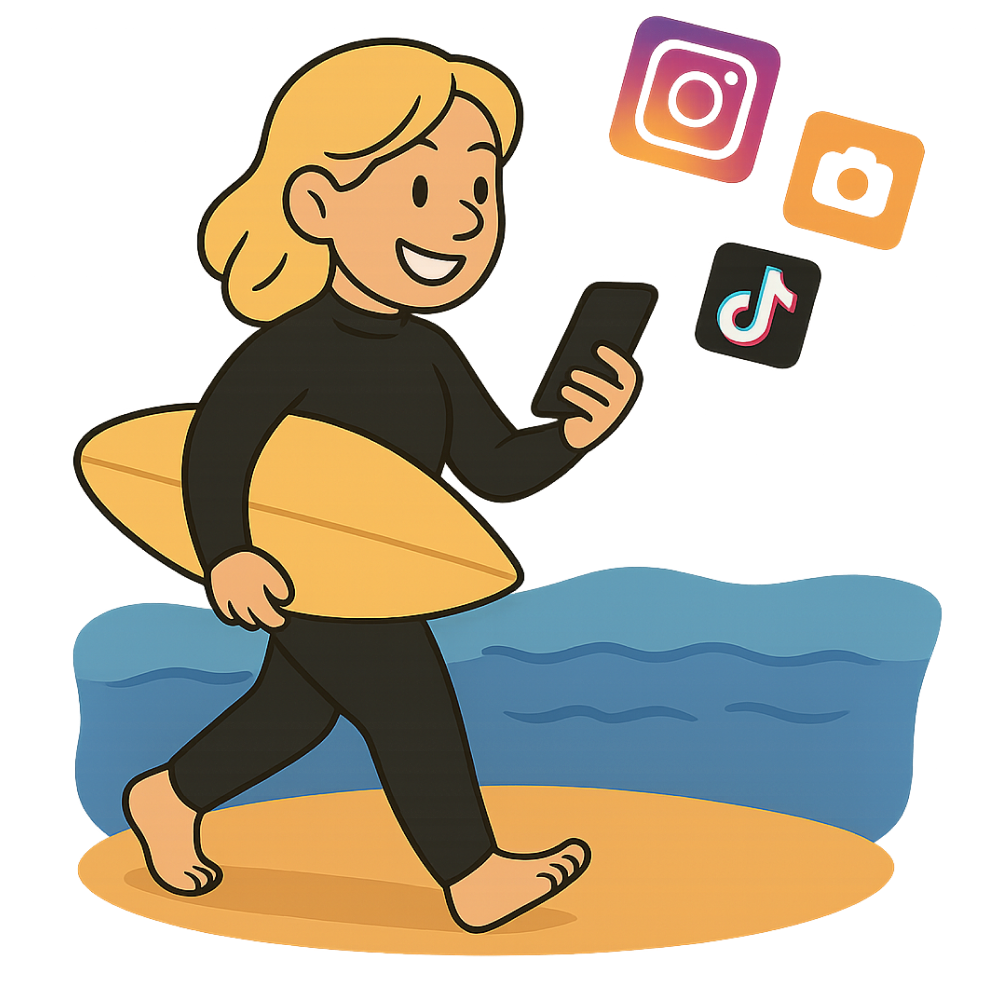
The Shoreline Stroller
Medium data use
You're on the go with playlist in tow. You're sharing photos, listening to tunes, scrolling socials, or watching a few short videos.
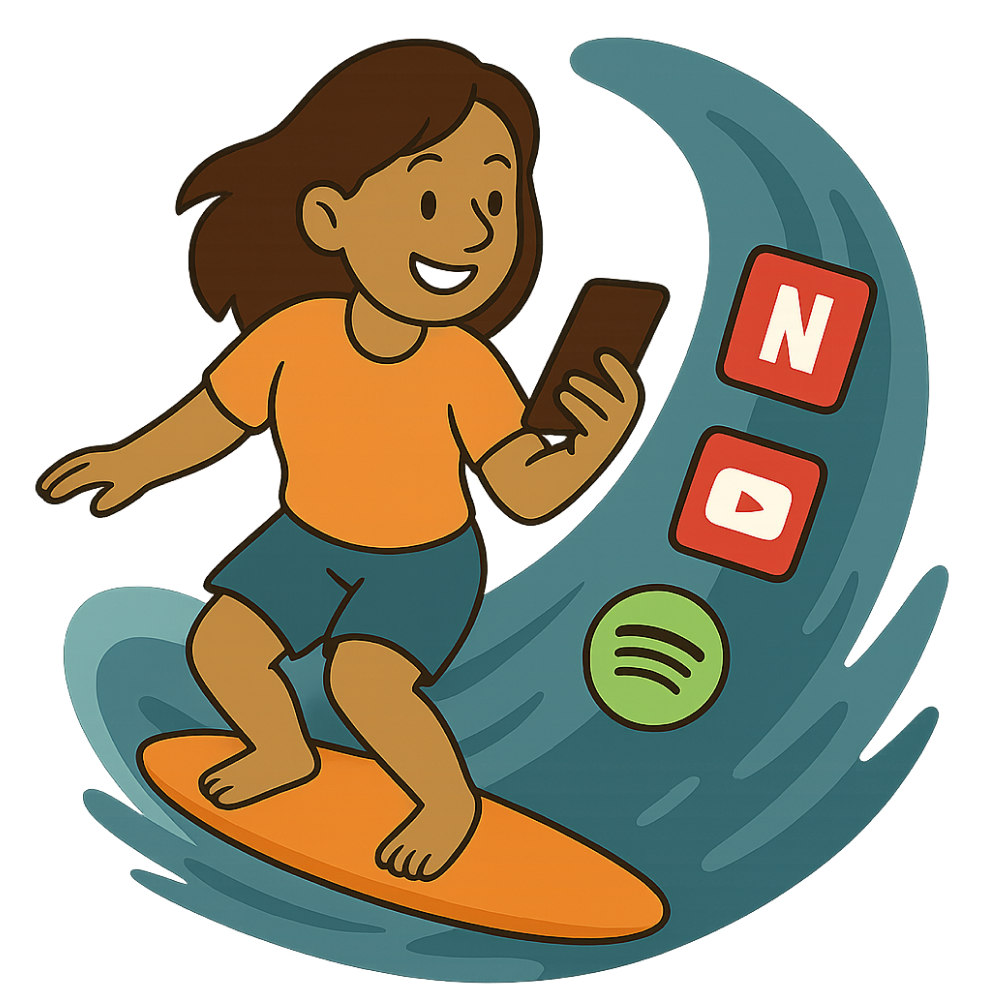
The Streaming Surfer
Heavy data use
You're always online, even on the paddleboard. You're streaming movies, making video calls, or working remotely.
Our recommendation
Select a trip duration and surfing style to see our recommended data package size.
Plan size recommendations made by Simsurf are estimates, based on broad categories of mobile data usage. Refer to your eSIM provider's app and your phone's live data consumption dashboard to monitor your data consumption during your stay.
How much mobile data will you need abroad? It depends on your habits.

Pascal Briod
Guide
Planning a trip overseas? No big shocker — how much data you burn through will depend on what you do and how long you're abroad.
We launched Simsurf's travel data calculator as a quick way to find out the size of the plan that would be the best fit for your trip duration and "surfing style".
Our calculator will guide you towards the type of plan size you should look for in our comparison results. We then leave it up to you if you prefer a bigger plan than recommended (i.e., more peace of mind), or a smaller one (i.e., keeping in mind it's super easy to buy a new eSIM plan mid-trip if you need it)...
In this post, we describe the three surfing styles we use in our calculator in more detail, give you tips about how to consume less mobile data, and share all the nerdy information about how much mobile data different apps and usages will consume.
What's your data surfing style?
In our travel data calculator, we define three broad "data surfing styles" :
- The Tide Watcher: You use 0.3 GB or less /day.
- The Shoreline Stroller: You use around 0.7 GB /day.
- The Streaming Surfer: You use 3 GB or more /day.
You will only be a Tide Watcher if you only use your phone for sending messages and emails, using a navigation app on your phone to find directions, and browsing the web for restaurant reviews.
As soon as you're planning on watching videos on your phone (whether it's Reels on Instagram or Tiktok, video calls with Facetime or Zoom, or streaming services like Netflix), you'll automatically be upgraded to a Shoreline Stroller.
If you use those data-hungry apps for more than 30 minutes a day, then you become a Streaming Surfer.
Below is a table that summarizes the recommendations from our travel calculator tool, as well as more detailed description of what each surfing style entails.
Find the best eSIM plan size for your next trip
| 3 days | 1 week | 2 weeks | 1 month | |
|---|---|---|---|---|
| Tide Watcher | 1 GB | 2 GB | 3 GB | 5 GB |
| Shoreline Stroller | 3 GB | 5 GB | 10 GB | 20 GB |
| Streaming Surfer | 10 GB | Unlimited | Unlimited | Unlimited |
The Tide Watcher
You're someone who uses mobile data only when necessary. Whether it’s checking directions, translating a menu, or sending a quick message, a small plan is more than enough. You always rely on public Wi-Fi for heavier tasks like media streaming.
Plans recommended by our calculator for light daily usage category are perfect for:
- Sending messages and emails
- Checking directions on maps
- Light internet browsing
The Shoreline Stroller
You're an everyday internet user who likes to stay connected, share photos, scroll through your feed, and maybe enjoy a few videos. This plan size is well-suited for travelers who want to enjoy their trip without having to count every MB. You will still use Wi-Fi at your hotel or in restaurants for backups and large downloads.
Plans recommended by our calculator for moderate daily usage category are perfect for:
- Sharing travel stories on social media
- Making occasional video calls
- Streaming short videos and staying in touch
The Streaming Surfer
You’re always connected — whether it’s for remote work, streaming your favorite shows, uploading content, or keeping in touch with family. An unlimited plan ensures you can use your phone freely without worrying about limits or extra charges. It’s the ideal choice for travelers who rely heavily on their data every day.
Plans recommended by our calculator for heavy daily usage category are perfect for:
- Watching YouTube or Netflix
- Scrolling social networks for hours
- Working from anywhere
- Video conferencing
- Uploading large files and using cloud services
Tips to save mobile data
If you're on an unlimited plan at home, you might not be aware of how much data your using and what activities are responsible for most of your data consumption.
Unless you go for an unlimited eSIM plan for your trip abroad, you will want to take a few steps to ensure you don't run out of data before the end of your trip:
- Turn on "low data mode" (iOS) or "data saver mode" (Android) on your phone, this can save up to 50% to 70% of your data usage and you'll barely notice the effect.
- Download content ahead of time, whether it's music you like, videos on YouTube (💡 get yourself a premium trial for the duration of your trip) or films on Netflix, or even download the Google Maps offline map of your destination before your trip.
- Connect to a WiFi whenever you can, and wait to be connected before data-heavy activities like streaming videos, data back-up, conference calls or app downloads.
- Pick which app can use mobile data, so that you stay in control of where you spend your eSIM plan data on. This can be great to help you enjoy your trip instead of checking your socials while on the go.
The power of "Low Data / Data Saver" mode
In your phone settings (on both iOS and Android phones), you can turn on "low data mode" or "data saver mode", which can help you save a lot of mobile data during your trip.
In low data mode, compatible apps like YouTube, Apple Music, Spotify, FaceTime, Instagram and more, will use up to 70% less data. They achieve this by loading thumbnails instead of full images, or reducing stream quality.
This mode also prevent app you're not currently using from refreshing in the background, stop automatic downloads and updates and pause iCloud backups or Photos sync.
Data usage of various apps /hour
If you want to try an estimate your data usage more accurately and better understand which app consumes what amount of data, you can use the table below.
| App | Use case | Approx. Data Usage (Per Hour) |
|---|---|---|
Google Translate (voice/image) | Real-time camera or mic translation | ~20–30 MB |
WhatsApp (voice call) | Talking with voice only | ~30 MB |
FaceTime (audio call) | Voice-only FaceTime | ~20–40 MB |
Google Maps (live use) | Live GPS + place search | ~10–20 MB |
Spotify (Low Quality) | Music streaming (24 kbps) | ~20 MB |
Spotify (High Quality) | Music streaming (160 kbps) | ~100–150 MB |
Instagram (Reels scrolling) | Watching continuous short videos | ~600–800 MB |
Instagram (browsing/stories) | Mixed photos/videos | ~100–150 MB |
YouTube (360p) | Video streaming in SD | ~250 MB |
Zoom (1-on-1 call) | Video meeting with one person | ~500–700 MB |
YouTube (720p HD) | Video streaming in HD | ~700 MB |
WhatsApp (video call) | Video chat with friends/family | ~600–700 MB |
FaceTime (video call) | Video FaceTime session | ~600–800 MB |
Zoom (10-person call) | Group video conferencing | ~1–1.5 GB |
TikTok | Endless video watching | ~1 GB |
Netflix (Standard HD) | Streaming shows/movies | ~1 GB |
Mobile Game (e.g. PUBG Mobile) | Online gaming with voice and action | ~40–100 MB |
Data usage of various apps /task
This table is similar to the above, but focuses on specific tasks:
| App | Use Case / Task | Approx. Data per Use |
|---|---|---|
WhatsApp (text only) | Sending a few messages | ~0.01–0.1 MB |
Google Translate (text) | Translating short phrases | ~0.05 MB |
Uber / Bolt | Booking a ride + map load | ~2–5 MB |
Google Maps (1 route search) | Finding one location or route | ~1–3 MB |
Spotify (1 song – Low Q) | Streaming one track (3–4 min) | ~1 MB |
Spotify (1 song – High Q) | High-quality song stream | ~5–7 MB |
Airbnb / Booking.com | Loading several listings | ~5–10 MB |
Gmail / Email | Reading/writing a few emails | ~1–2 MB |
Instagram (1 Reel) | Viewing one short video | ~10–20 MB |
TikTok (1 video) | Viewing a short video | ~10–20 MB |
WhatsApp (1 min video call) | Short video call | ~10–12 MB |
FaceTime (1 min audio call) | Voice-only FaceTime call | ~0.5–1 MB |
FaceTime (1 min video call) | FaceTime with video | ~10–13 MB |
Zoom (1 min, 1-on-1) | Video conference (1-on-1) | ~10–12 MB |
Facebook Messenger (video call) | One-minute video chat | ~8–10 MB |
Google Photos (1 photo upload) | Uploading high-quality image | ~2–5 MB/photo |