 Steve Johnson @Unsplash
How to move an eSIM from one phone to another

Byron Mühlberg
Guide
If you've clicked on this article, you're probably wondering how (and, indeed, if) you can move an eSIM from one phone to another.
The short answer yes, it's possible and straightforward. However, you'll need to carefully follow a few steps which will vary depending on your carrier and device. In this short post, we’ll break it down so you can make the switch without stress.
All about the best eSIMs for your tablet:
Can you even move an eSIM between phones?
Yes you can, but there are a few things you'll want to keep in mind. It's not as simple as just swapping a physical SIM card, and the process depends on your carrier.
Some carriers, for example, will require reactivation while others make it a bit easier by offering simple QR code scans. Others still may require that you contact customer support to get things going.
Below, we go through the process in general. This means we don't look at specific carriers but summarize how different carriers and phone types typically handle the process.
How exactly do you move an eSIM from one phone to another?
Before you get started, make sure you've got the following ready:
- Your old and new phones side by side.
- A stable internet connection.
- Your carrier login credentials.
Then, follow these steps:
Check compatibility
Ensure the following:
- Both phones support eSIM technology (see our list of devices).
- Your new phone is SIM-unlocked.
- Your carrier allows eSIM transfers or reactivation.
Make sure you old phone is ready
Before removing your eSIM, make sure you:
- back up your phone to the cloud or a computer.
- have login access to your account with your carrier.
- (recommended, but not crucial) take a screenshot your eSIM details.
Deactivate/remove the eSIM from your old phone
Many carriers require that the eSIM be removed or deactivated from the old device before it can be activated on a new one.
- iPhone:
- Go to Settings > Cellular (or Mobile Data).
- Select your eSIM plan.
- Tap Remove Cellular Plan.
- Android:
- Go to Settings > Network & Internet > SIMs.
- Select the eSIM.
- Tap Delete or Remove.
- iPhone:
Get your new phone set up
Turn on your new phone and begin the initial setup process:
- Connect to Wi-Fi.
- Sign in with your Apple/Google account.
- When prompted to set up a SIM or cellular connection, choose “Use eSIM” or “Set up eSIM manually.”
Depending on the device and carrier, you may see options such as:
- Transfer from Nearby iPhone
- Scan a QR Code
- Download eSIM via Carrier App
Install the eSIM on your new phone
Choose the installation method based on your carrier:
Via QR code:
- On the new phone, select Set Up eSIM or Use QR Code.
- Scan the QR code provided by your carrier (from email, printed card, or carrier app).
- Confirm the activation when prompted.
Via your carrier's app:
- Download your carrier's app.
- Sign in and follow the instructions to add or activate an eSIM.
- The eSIM profile will be downloaded automatically.
Via Bluetooth:
- Place both iPhones close to each other and follow the prompt to transfer the eSIM.
- Approve the transfer on both devices.
Activate and test
Once your eSIM is downloaded:
- Restart your phone if required.
- Wait for signal bars or carrier name to appear in the status bar.
- Try placing a call or using mobile data to confirm functionality.
Once done, you can update your iMessage, FaceTime, or carrier settings as needed if you like.
If any of the above steps don't work or if you run into issues, you'll want to contact your carrier’s support team.
How to find the best eSIM for you
If you're transferring eSIMs for travel purposes or while on vacation, then you've come to the right place. Here at Simsurf, we're the best travel eSIM comparison site on the web and compare all the best deals no matter your destination.
For your next trip, make sure you get the best deal by finding an eSIM data plan on our comparison in just a few easy steps:
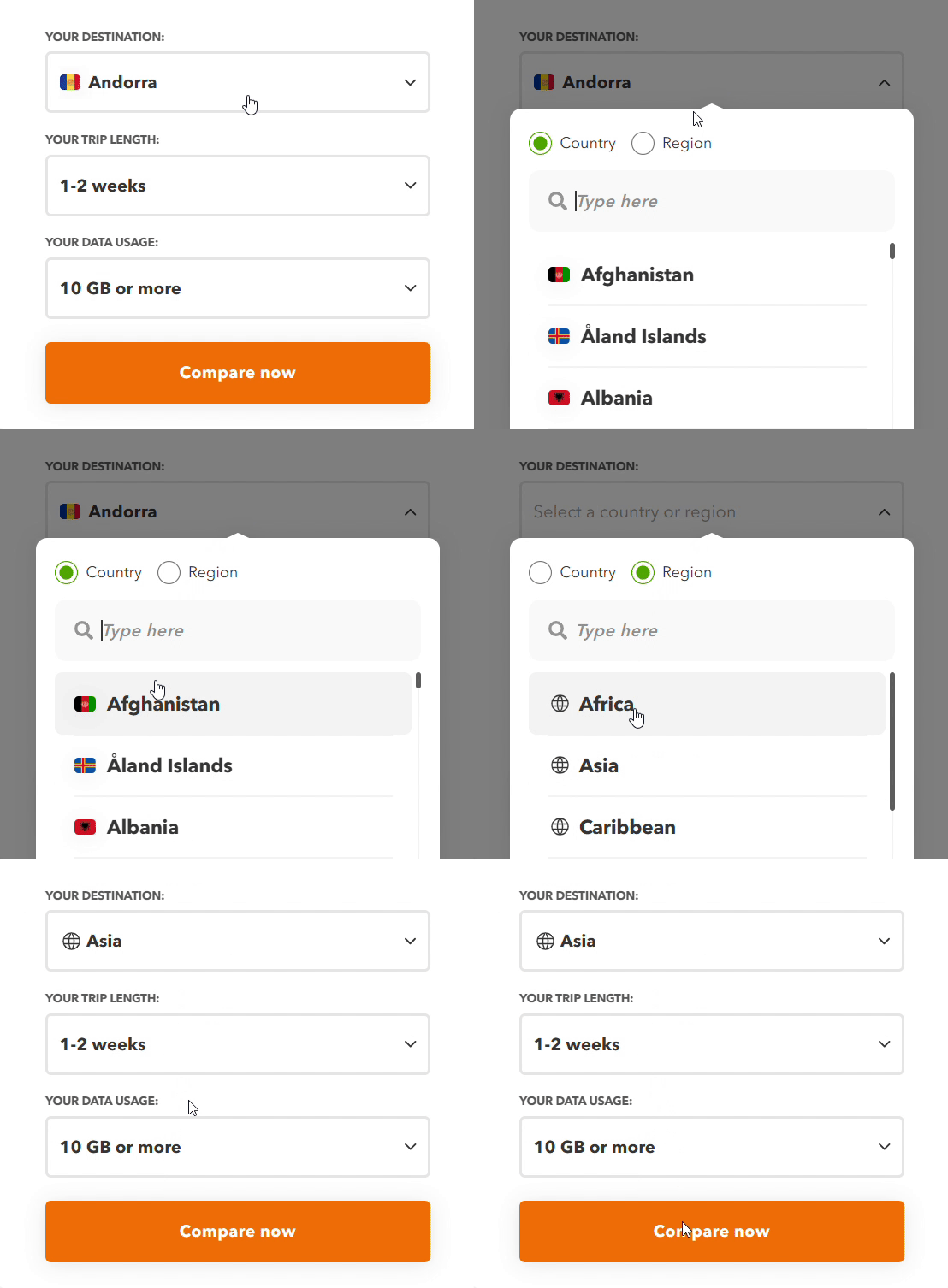
Select your trip specs
Choose your destination (country or region), the amount of data you think you'll use, and the amount of time you'll be abroad.
![]()
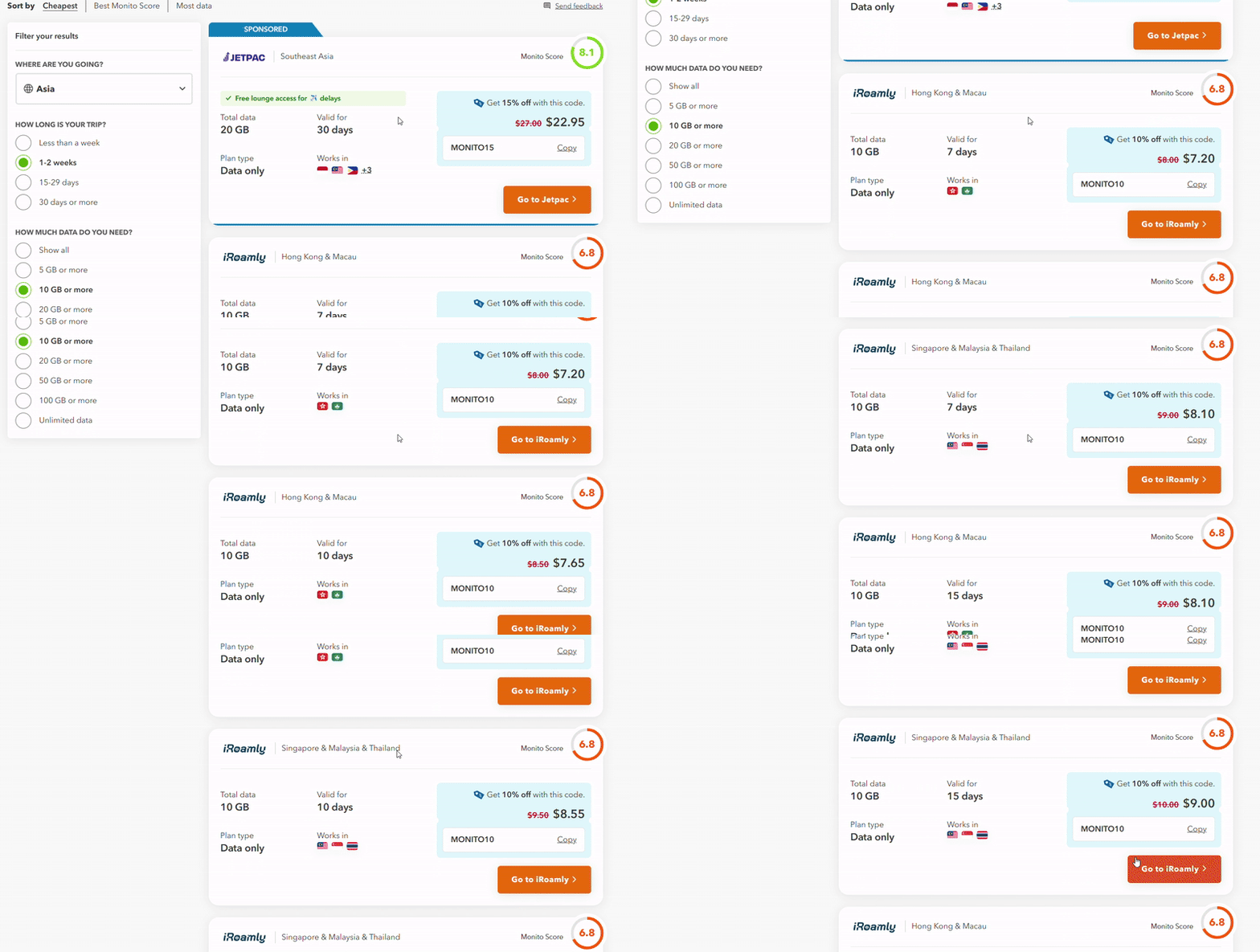
Compare the available plans
Dozens of top plans will appear, all from reputable and trusted providers. You can scroll through them and choose the cheapest, or filter further to refine your search.

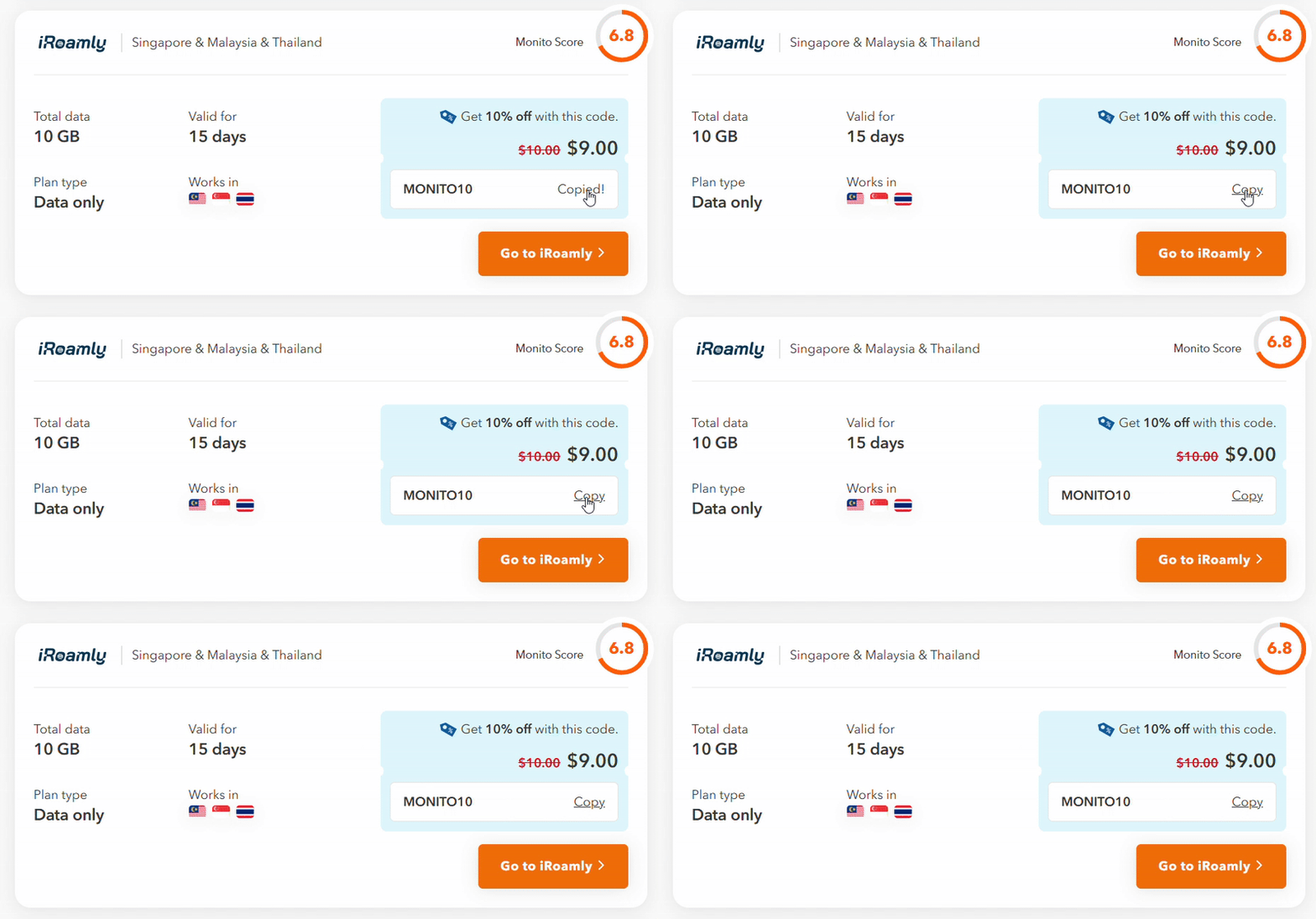
Choose a plan & copy the coupon code
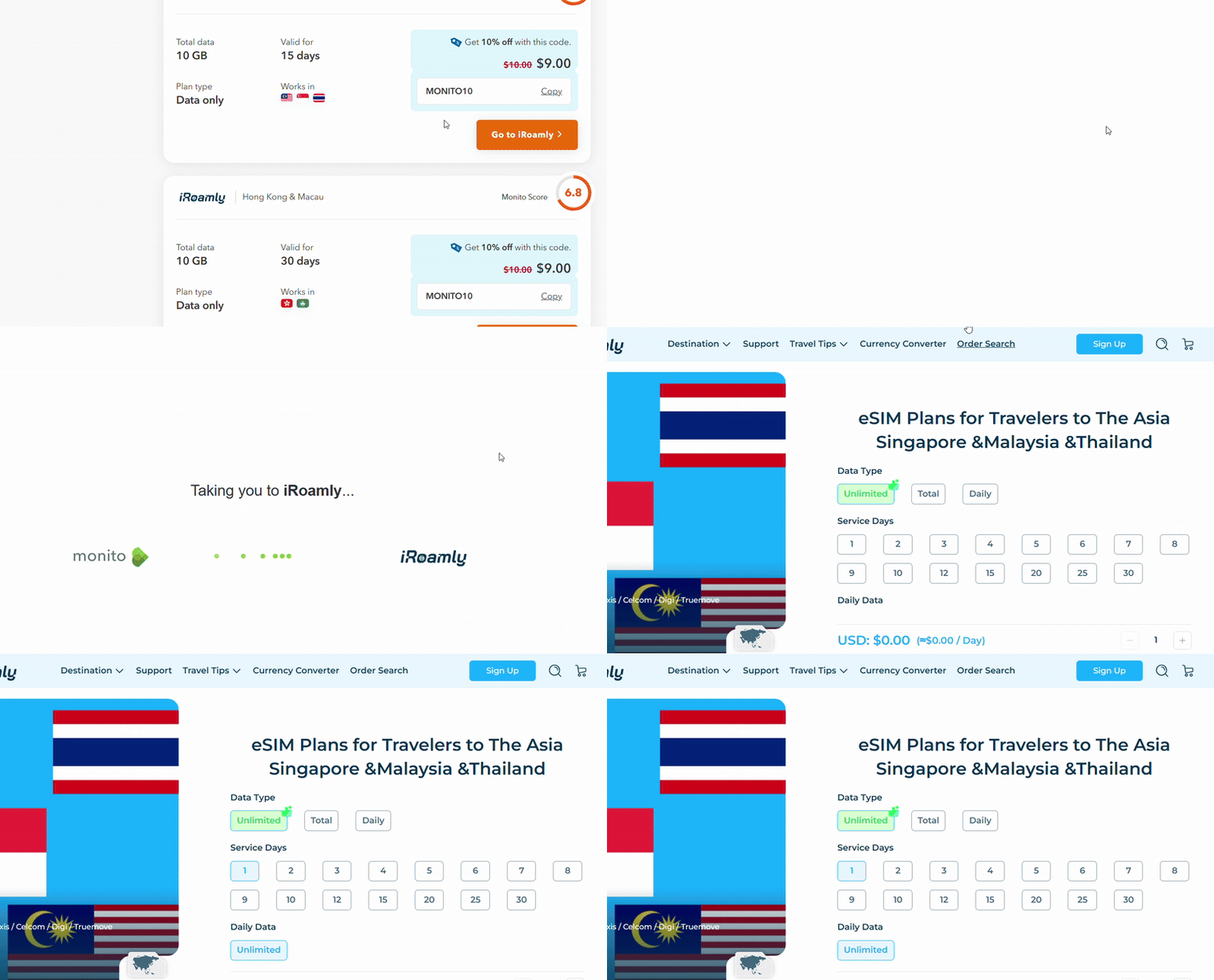
One you've found a plan and provider that works for you, don't forget to copy the exclusive coupon code to claim your discount at checkout!

Go to the provider's website
Click the 'Go to' button and we'll take you to the selected plan on the provider's website in seconds. If you're on mobile, you may need to download the provider's app at this point.

Register an account and purchase your eSIM
Register an account for your chosen provider. Follow the steps to purchase the eSIM (don't forget to use the coupon code to get your discount!).

Install and activate your eSIM
Your chosen provider will give you instructions.
Surf the web abroad 🏄
Enjoy your trip, and don't forget to keep in touch!

Get started now for yourself:
Find the best travel eSIM plan in a few clicks:
Check out our related guides: